
Architecture
QDash consists of three major components.
- UI
- Next.js frontend for workflow operation, monitoring, and analysis
- API
- FastAPI backend that handles user requests, authentication, project access, and database access
- Workflow
- Prefect-based calibration workflow runtime, deployment service, and user flow worker

Components
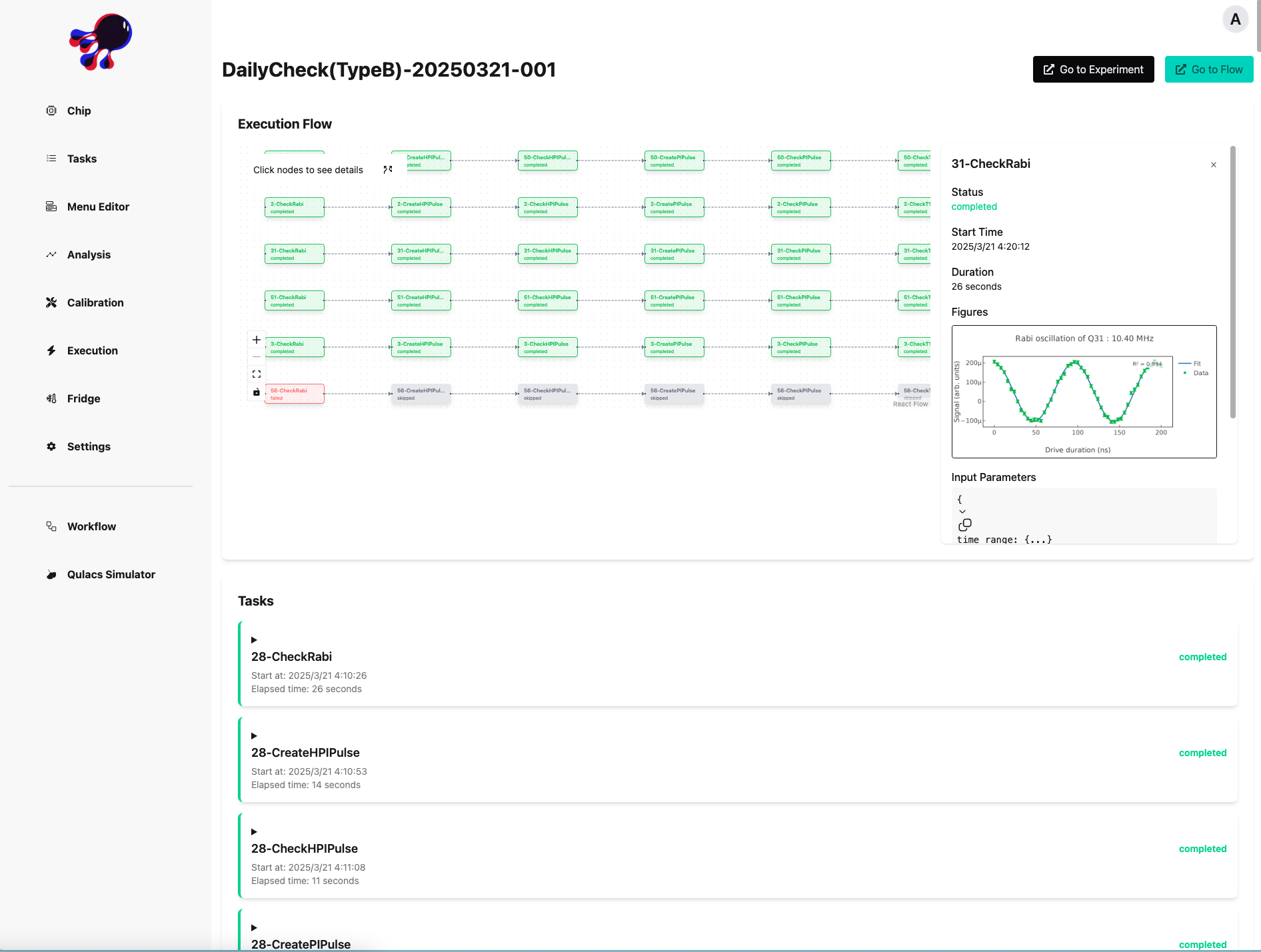
QDash UI
The UI is the frontend for users, developed with Next.js and React. It provides pages for dashboarding, chip/task inspection, workflow editing and execution, metrics, provenance, issue tracking, file management, and Copilot-assisted analysis.
The UI client and standalone TypeScript client are generated with Orval from the API's OpenAPI schema. API contract changes therefore require client regeneration with task generate.
QDash API
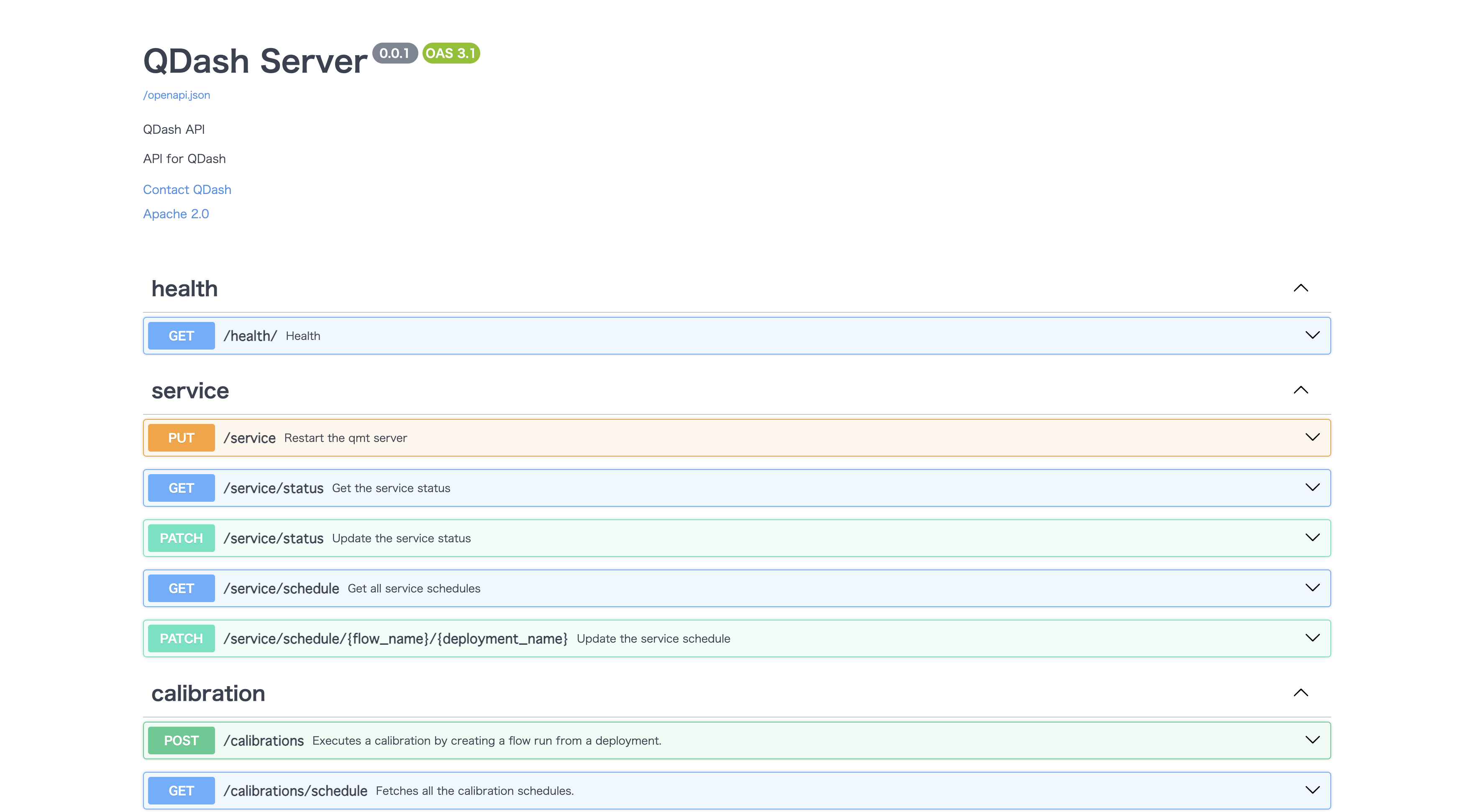
The API receives user requests, enforces authentication and project access, communicates with MongoDB and Prefect, and exposes the OpenAPI schema used to generate the UI and standalone TypeScript clients.
QDash Workflow
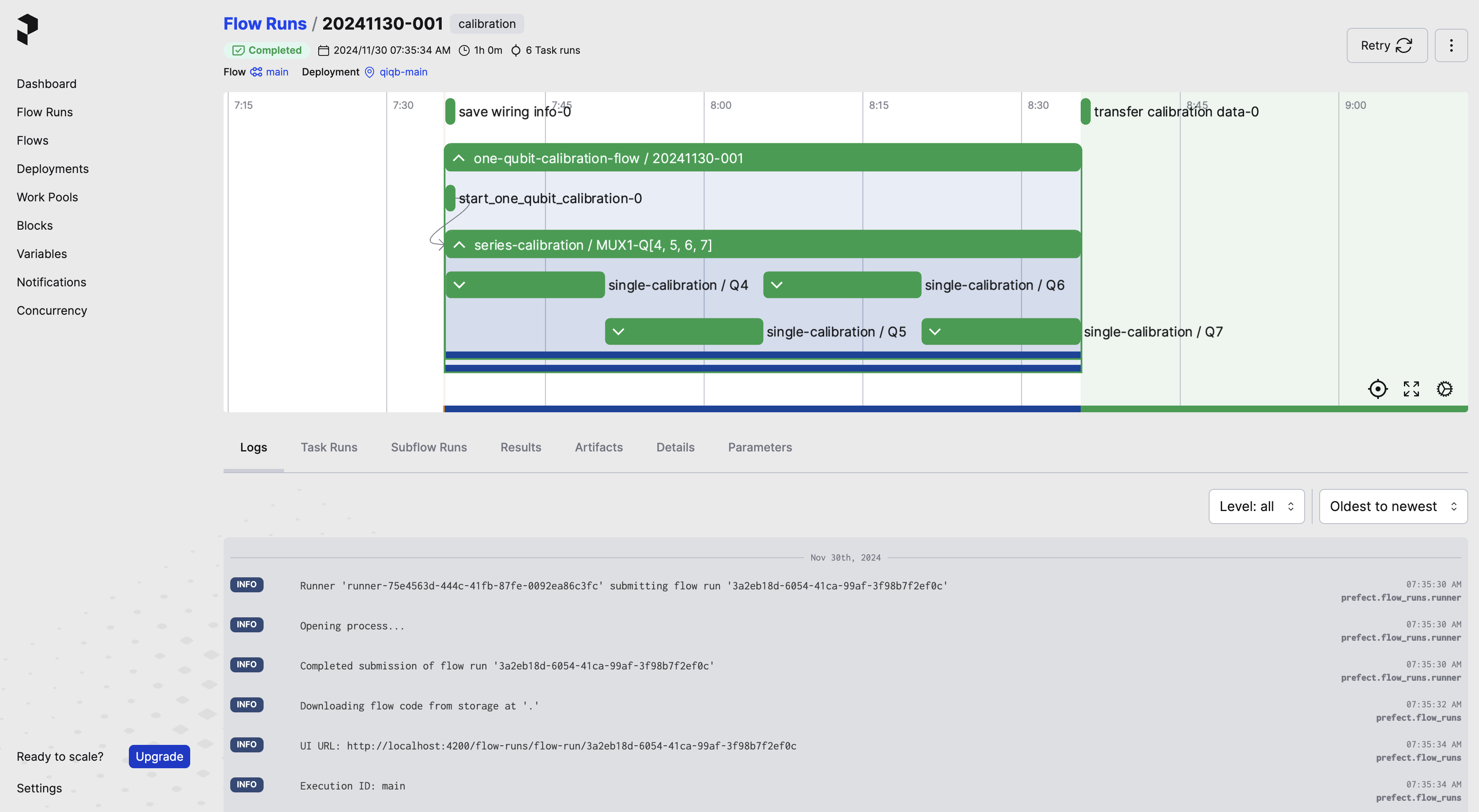
The workflow component manages qubit calibration workflows. Prefect is the workflow engine, while QDash stores user flow files, registers Prefect deployments through the deployment service, and executes user flows with the user flow worker.
Calibration task implementations call the laboratory libraries they need, while QDash supplies execution context, parameter resolution, persistence, scheduling, and status tracking.
Calibration Flow
Calibration follows this flow.
- The user selects a project, chip, targets, and workflow or task in the UI or client.
- The API saves or loads the user flow and asks the deployment service to register a Prefect deployment.
- The user flow worker executes the selected calibration tasks. Experimental libraries can be used from task implementations.
- The workflow runtime acquires the applicable execution lock before hardware operations.
- QDash creates an execution ID that links the run, task results, logs, and artifacts.
- Task results and accepted calibration changes are stored in their project and chip context.
- Parameter resolution can use the current accepted state as input to later tasks.
- If a user cancels a running execution, the API sends a cancel request to Prefect, which terminates the worker process via SIGTERM. The
on_cancellationhook then updates the execution and task statuses tocancelledand releases the execution lock.

The Workflow Engine Architecture describes the runtime components in detail. Calibration Data Sharing explains project-scoped state and artifacts.