
Projects and Data Sharing
A QDash project is the access and storage boundary for chips, calibration state, workflows, results, discussions, and files.
Active Project
Use the project selector to switch between projects. The active project determines which chips, workflows, executions, task results, notes, forum threads, and files QDash displays or changes. Confirm it before starting a calibration or editing shared state. Switching project drops the previous project's chip, cooldown, and execution from the page address, so Chip opens the new project's most recent chip; the browser's Back button returns to the previous project and chip.
Every new account receives a default project owned by that user. Users may also belong to other projects and switch between them without copying data.
Choose a Project Role
| Role | Access |
|---|---|
| Viewer | Inspect project data, download results, and participate in discussions. |
| Editor | Viewer access plus calibration runs and changes to shared operational state. |
| Owner | Editor access plus project settings, membership, and deletion. |
Assign Viewer when a member only reviews or discusses work. Assign Editor when they run calibrations or change project data. Each project has one Owner; transfer ownership before that person leaves the project. The previous Owner remains an Editor after a transfer.
Project roles are independent of the system Admin role. A system Admin can manage accounts and projects from Admin, but needs project membership to open that project's calibration data. See Authentication and Users for system access.
Create a Project
A system administrator creates projects from Admin and assigns their owner. Give each project a name that identifies the experiment, device, or team; add a description when the boundary is not obvious.
Manage Members
Project owners manage an existing project from Settings. They can update its name and description, invite existing QDash users, change member roles, and remove members.
Open Settings in the project you own.
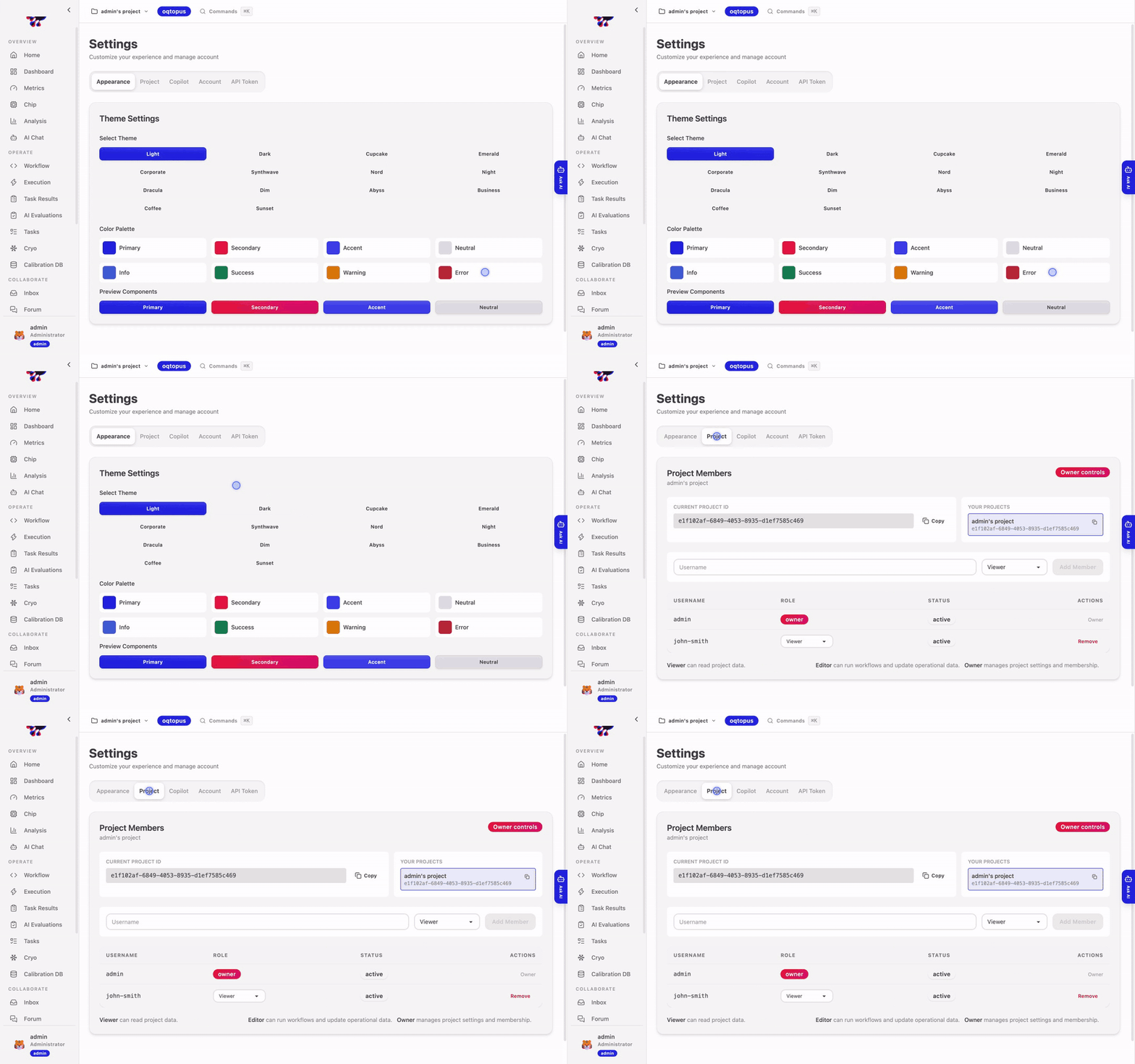
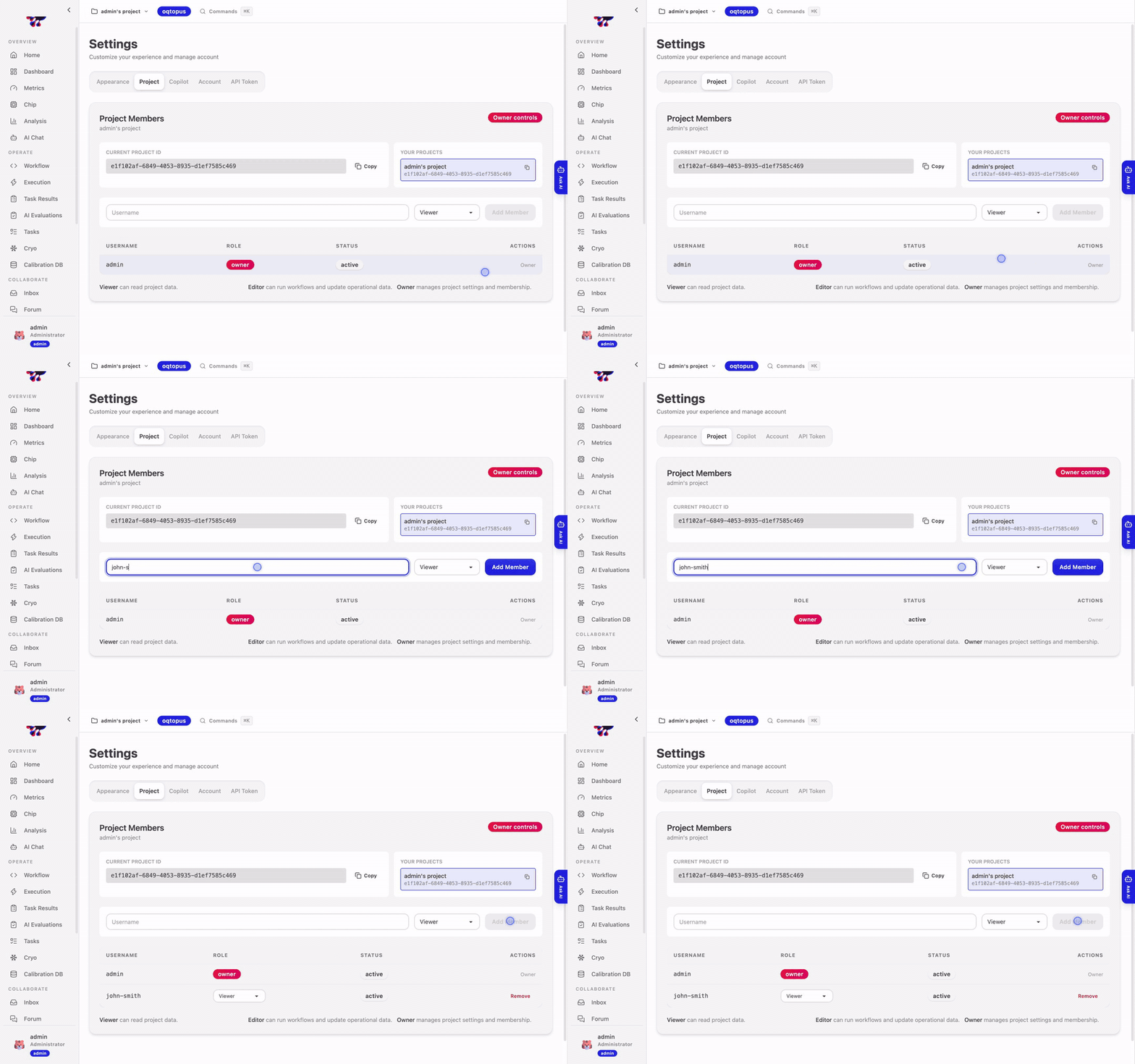
Add an existing QDash user as a Viewer or Editor.
Change the role when that person's responsibilities change.
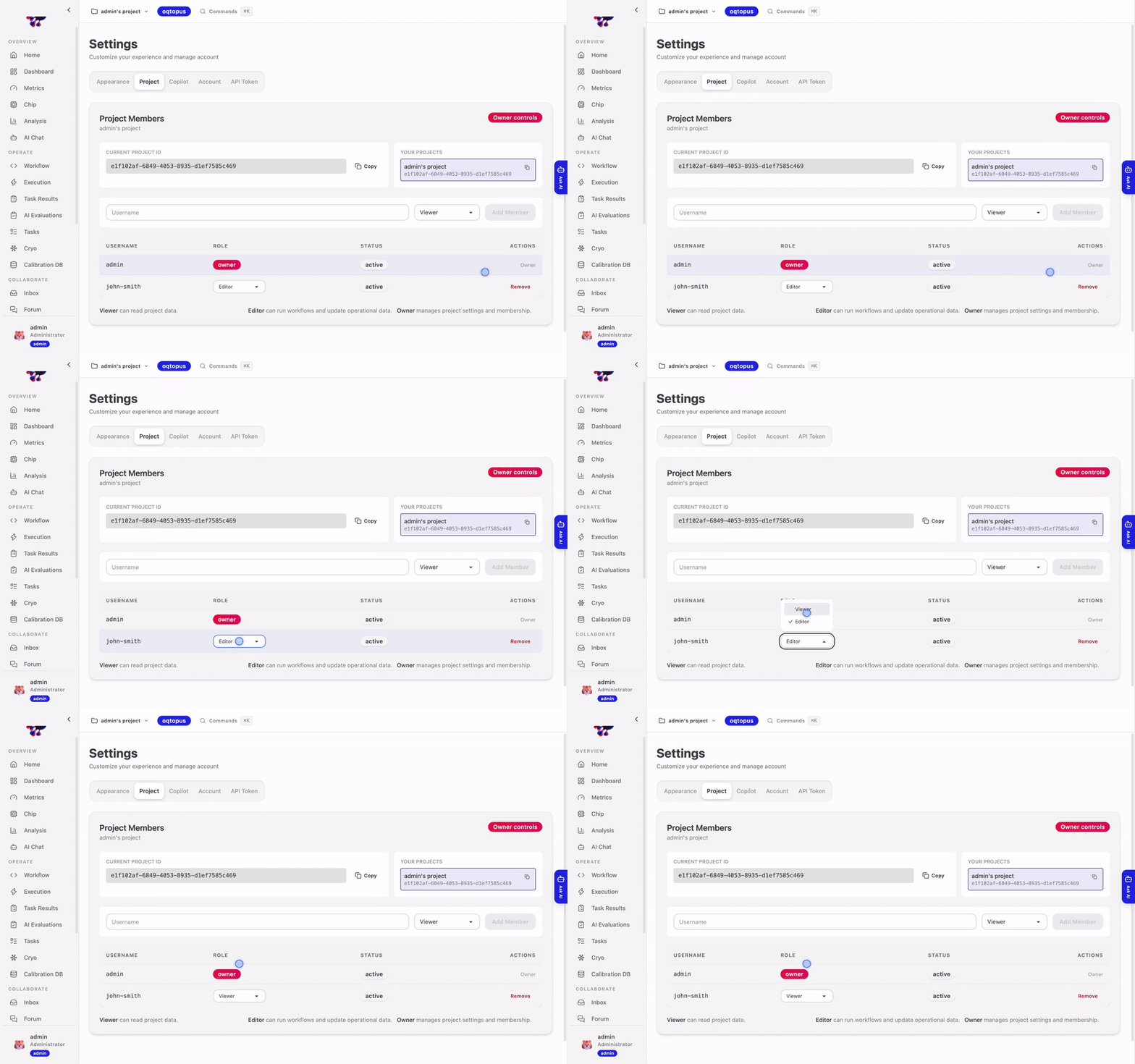
Remove the member when they no longer need project access.
Deleting a project removes its project-scoped records and is not reversible through the UI. Review membership, chips, executions, and artifacts before confirming deletion.
Share Results
Project members see calibration state and results produced in that project. A task result retains the user and execution that produced it, while accepted calibration state is shared by project and chip.
Before sharing a QDash link, confirm that the recipient belongs to the project. Removing a member revokes access but does not delete records that member produced.
See Reviewing and Sharing Results when another member will continue work from an existing result.
Programmatic Access
Use a saved QDash Client profile for scripts and agents, then select the project through the profile or client API. Data cannot be moved between projects as a normal operation; create or import it in the intended project instead.